

The Course
This hands-on course shows you how to design and document fire suppression systems using Revit’s MEP tools—from project setup to construction-ready sheets. You’ll link architectural and structural models, model sprinklers, piping, valves, pumps, and standpipes, manage system families and routing, and annotate with tags, legends, and details. You’ll also create schedules and quantities, set up views and templates.
We will be using actual project example, guiding you from the scratch to a full completion of the project.
By the end, you’ll build coordinated, high quality models, speed up site implementation, and produce deliverables that contractors and authorities can trust. The skills translate directly to real projects like high-rises, warehouses, and retrofits, helping you streamline permitting, procurement, and installation. Whether you’re new to BIM for fire protection or leveling up your workflow, you’ll walk away with a practical toolkit for smarter, safer designs.
What you will learn
I began the course by grounding you in the basics—interface, views, levels, and families—so you can move confidently from day one. As a beginner, you’ll benefit from bite-sized lessons that build on each other, clear checkpoints, and a project you develop step by step, turning theory into a complete fire protection systems layout with schedules and sheets. I carefully crafted each module to remove guesswork: we use curated templates, ready-made families, and realistic scenarios, with callouts for common pitfalls and time-saving tips I use in practice. Everything is organized so you always know what to do next—short demos and guided steps—so by the end you not only know which buttons to press, you understand why, and can deliver a clean, professional model.
Course Introduction
Curriculum
- Part 6 - Modeling of Piping (23:19)
- Part 6 -1 - About Revit Libraries (3:28)
- Part 7 - Creating Custom Pipe Types (29:27)
- Part 8-1 Creating Pipe Fittings Part 1 (27:23)
- Part 8-2 Creating Pipe Fittings Part 2 (11:05)
- Part 9-1 Family Editor (Part1) (23:43)
- Part 9-2 Family Editor (Part2) (18:28)
- Part 9-3 Family Editor (Part3) (12:55)
- Part 10 - Modeling of Gate Valve (42:55)
- Part 11 - Modeling of Sprinkler (32:55)
- Part 12 - Modeling of End Suction Pump (32:46)
- Part 13- Modeling of Pump Panel (28:41)
- Part 14- Modeling of Pipe Accessories (36:30)
- Part 15- Modeling of Pump Room 1 (38:41)
- Part 16 - Modeling of Alarm Valve (32:45)
- Part 16-2 - More Fittings and Accessories (46:14)
- Part 17 - Aranging Valves and Pumps (24:16)
- Part 18- Hosereel Pump and Tank (23:05)
- Part 19- Modeling of Pipe Accessories for HR System (46:39)
- Part 20- Modeling of Landing Valve (32:31)
- Part 21- Modeling of Hosereel Drum (31:06)
- Part 22-Create Piping System (10:20)
- Part 23- View Filter and View Template (27:53)
- Part 24- Completing the Layout (Part 1) (31:19)
- Part 25 - Fabrication Parts (14:52)
- Part 26 - Completing the Layout (Part 2) (35:15)
- Part 27 - Pipe Connectors (19:04)

Your instructor
We are passionate in BIM. We have years of working experience in the construction industry integrating the BIM workflow into the construction process.
We have experience in high level detail of modeling in Revit. Willing to share our skills, tips and technical knowledge with you.
Over the years, we have assisted our students around the world to be excellent in Revit BIM Modeling. You will definitely want to be part of them.
Revit MEP - Fire Protection System is the course I wish I’d had when I started. I’ve distilled the real-world workflows, standards, and tips I use every day—family creation, system layout and sizing, tagging and schedules, sheets—into a practical, project-based path. I’m passionate about teaching because a solid fire protection model isn’t just lines and fittings; it’s a life-safety promise, and I’m here to help you build it with confidence.

A to Z step-by-step
Build core skills in Revit MEP - Fire Protection System, covering standards, families, and essential layouts.

Hands-on
Practice real-world workflows in Revit MEP - Fire Protection System, from device placement and piping to coordination and documentation.

Advanced
Optimize Revit MEP - Fire Protection System with advance modeling, automated routing, design knowlegde.
Featured Products
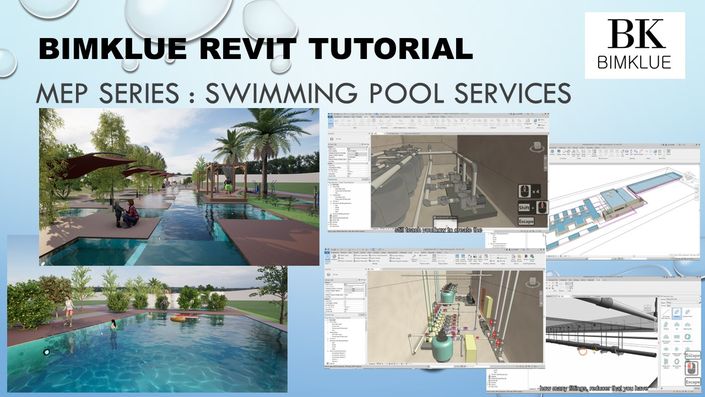
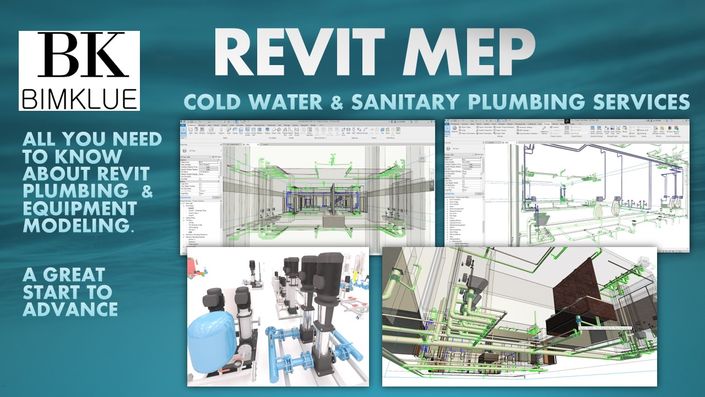
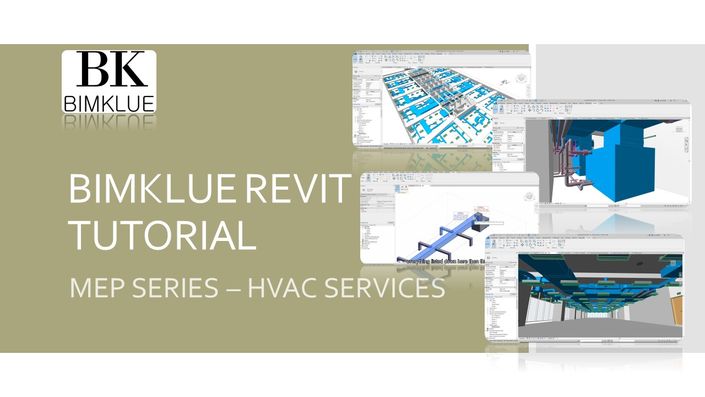
Other courses from BIMKLUE that will help you to complete your BIM journey!


LET'S BIM TOGETHER!
During the training, if you have any question, feel free to contact us. We will support you and provide you extra guidance.
Whatsapp : +60173977338
Email : bimklue@gmail.com